Slide
- Lesson:Using Github to share Unity Projects
- Please login to keep your results
- Welcome,
Download the Github Client
Get Connected
- Create a user on Github.com
- Ask Paul for an invite to the paulhayes/coderdojo_brighton_unity repository
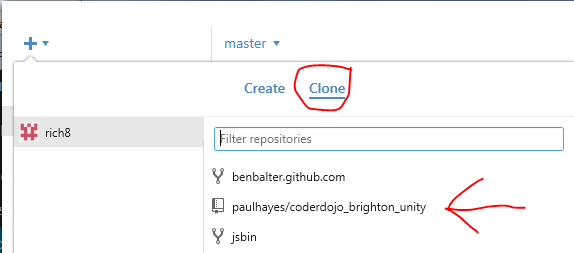
- Clone the coderdojo_brighton_unity repository into your github folder (created by the github client in my docs)
Push your build
- (File > Build Settings) Set build options to webplayer
- Build into your github/coderdojo_brighton_unity folder
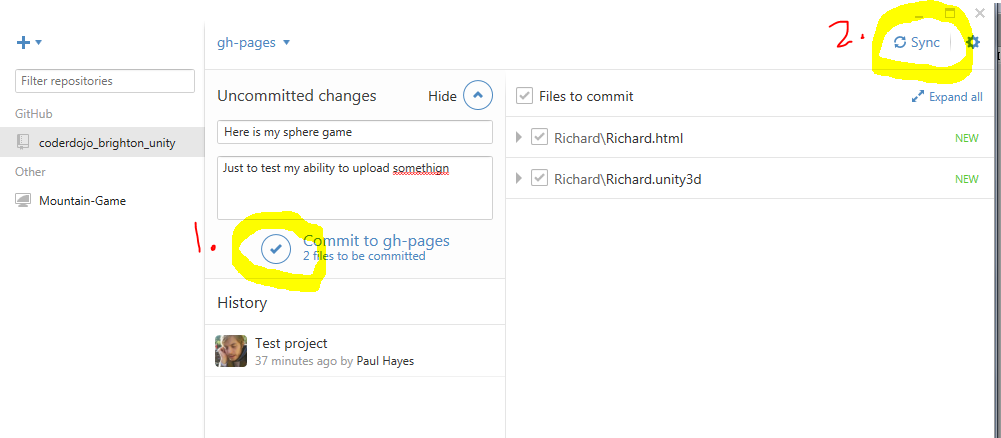
- Commit & Sync changes (see below)
-
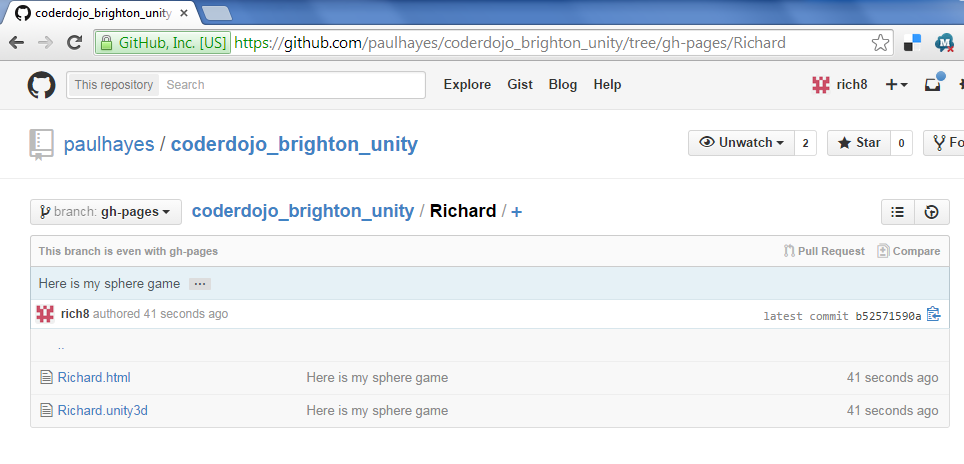
Check your changes on Github.com
Webplayer
- Check out your work on the Web. See Example you will need to adjust the URL
- You may need to download the Unity Web plugin
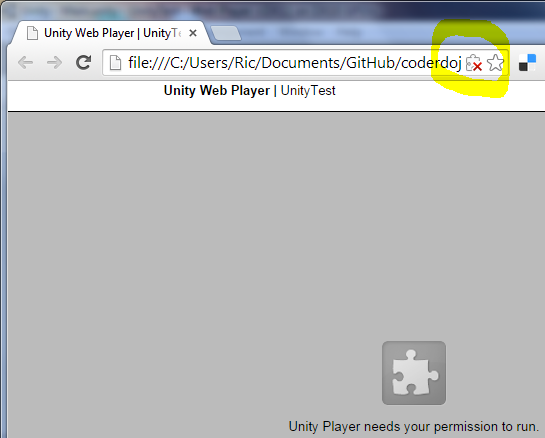
- You may need to allow the web plugin (see below for Chrome)
Share
Post your (already checked and working) Hyperlink to your work Here